Battery snapshot
- Level and status
- Current charge state at capture time
- Power source
- Whether a recognized source is reported
- Voltage and temperature
- Momentary values, not health certification
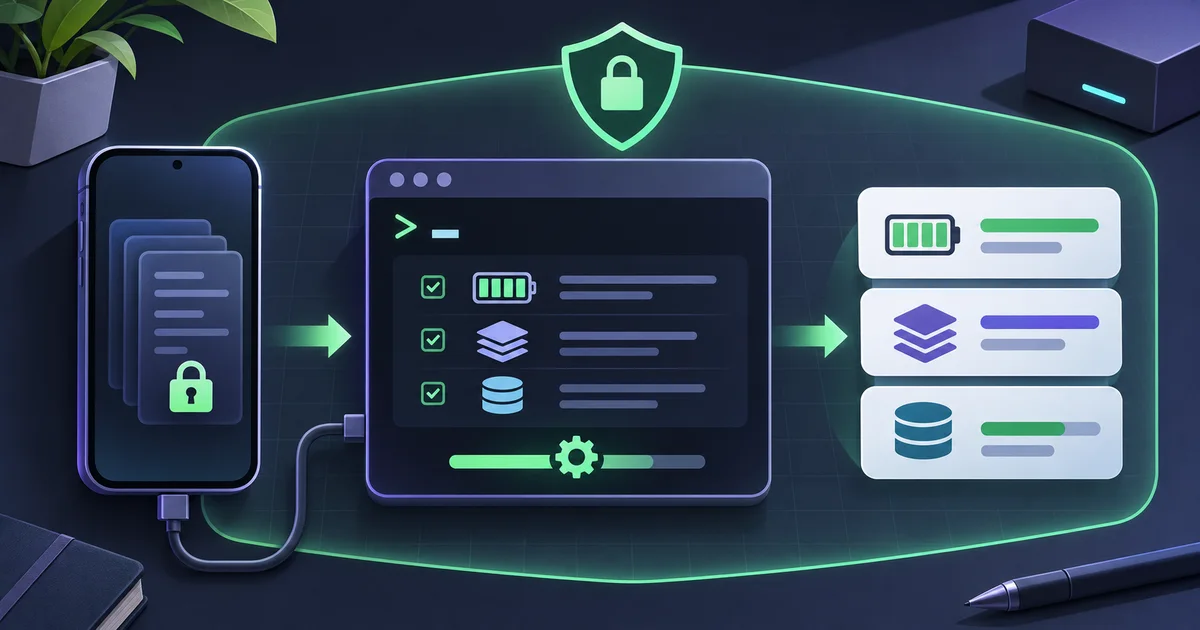
adb shell dumpsys batteryThe command reads text you already collected, recognizes a small allowlist of Android fields, and writes a reduced report. It does not connect to a phone, run ADB, upload input, or preserve unrecognized lines.
$ android-health-report diagnostic.txt
$ android-health-report diagnostic.txt --json
$ adb shell dumpsys battery | android-health-report -Registry installation instructions will appear only after the staged package publication is approved. This page does not offer an unverified download.
Anything outside these recognized fields is ignored rather than copied into the output.
adb shell dumpsys batteryadb shell getpropadb shell df /dataThe report is designed to carry a few useful values without carrying the complete command output. Inspect the input yourself and remove anything you did not intend to collect.
Do not capture a broad device dump when battery, build, or storage text answers the question.
File input must be a regular non-symlink file inside the current directory and is limited to one MiB.
Human output is the default. Add --json when a local tool or structured support record needs it.
The reduced report still describes a real device. Remove anything unnecessary for the recipient and keep the original local.
Start with the Android update-layer explanation when a build report shows several dates that appear to disagree.
Separate capacity, drain, safety, and current state.
Interpret Android battery health signalsKeep persistent space separate from active memory.
Compare Android storage and memoryRead Android, security, Play system, and app updates separately.
Understand Android update layersCalculate a reported ratio and controlled drain rate.
Calculate Android battery capacity and drain