Android not receiving text messages: check carrier, SIM, app, and RCS
Separate SMS, MMS, and RCS before clearing anything
Ask one sender to send a plain SMS while mobile signal is available. Then check blocked contacts, spam, the default SMS app, SIM status, storage, and carrier service. RCS problems should be tested separately from SMS because they use different delivery paths.
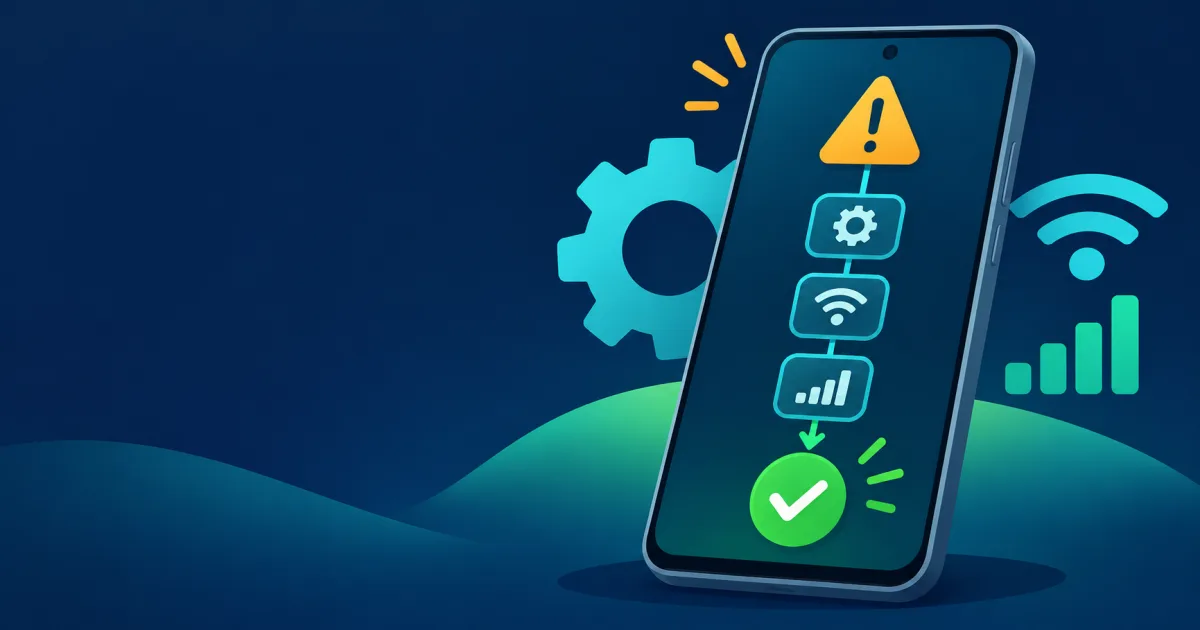
Start here: Android not receiving text messages
Question answered: Why does this guide begin with “Confirm whether all senders or one sender are affected,” and what should the result change?
- First check
- Confirm whether all senders or one sender are affected
- Protect first
- Do not clear messaging storage until message history is backed up
- Decision this guide supports
- Separate SMS, MMS, and RCS before clearing anything
Diagnostic sequence: Android not receiving text messages
- Confirm whether all senders or one sender are affected
- Distinguish SMS, MMS, and RCS
- Check the blocked and spam folders
- Verify the correct default SMS app and active SIM
- Ask the carrier to check provisioning after device-side tests
Classify the missing message
Plain SMS uses the carrier network. MMS commonly needs mobile data and correct carrier settings. RCS depends on data, registration, and compatible messaging services. A failure in one does not prove the others are broken.
Check phone state before clearing data
Restart the phone, confirm airplane mode is off, and verify the expected SIM is enabled for messages. Check whether the number or conversation was blocked or marked as spam. Ensure the messaging app is the default and has notification permission, but remember a notification problem can hide a message that was actually delivered.
Escalate with useful evidence
Give the carrier the affected number, approximate time, message type, and whether outgoing messages work. If you recently moved from another platform or changed SIMs, mention that. Do not publish phone numbers, one-time codes, or message screenshots in public support forums.
Identify which messaging path is actually failing
Ask one contact to send a plain SMS and another to send a message with an attachment. Then compare an RCS conversation if the feature is enabled. Record whether outgoing messages, calls, and mobile data still work. SMS, MMS, and RCS use different delivery dependencies, so one successful path does not clear the others.
A failure limited to one sender can involve blocking, an incorrect contact route, or the sender's service. Missing group or picture messages with plain SMS still working points toward mobile data, MMS settings, or carrier provisioning. Keep the exact time and sender network available for the carrier instead of repeatedly deleting conversations or resetting the entire phone.
Match the symptom to the next test
| Situation | Evidence | Next action |
|---|---|---|
| One sender affected | Messages from other numbers arrive | Check blocking, sender routing, and the conversation state |
| SMS works, MMS fails | Plain text arrives but media does not | Check mobile data and carrier MMS configuration |
| SMS works, RCS fails | Carrier text arrives but chat features do not | Check RCS registration, data, and messaging services |
| Nothing arrives | Multiple senders and message types fail | Verify the active SIM and ask the carrier to inspect provisioning |
Worked example
Plain SMS from a test sender arrives, but the same sender's group image does not. The phone is receiving carrier text, so the failure is narrower than all messaging. Confirm mobile data and the carrier's MMS path, then request the same test again rather than clearing the complete message history or treating an RCS status as proof about MMS.
Related checks and next steps
When messages arrive inside the app but no alert appears, trace the Android notification control layers rather than changing carrier settings.
If SMS, calls, and web access all fail with Wi-Fi off, use the mobile-data and SIM diagnosis to test the carrier path.
Testing limits
Stop the test in these conditions
- Do not clear messaging storage until message history is backed up
- Contact the carrier for unexpected SIM or number changes
- Keep one-time codes and private conversations out of public screenshots
Shortcuts that hide the cause
- Clearing app storage before checking whether messages are present
- Treating a silent notification as failed delivery
- Posting private message details in a public forum
Sources for Android not receiving text messages
These primary references are platform, product, or manufacturer documentation - not forum answers. Each note states what the source supports. Use them alongside the evidence record described in “Identify which messaging path is actually failing.” Menu names, support periods, and available controls can vary by device, Android version, region, and carrier.
- Google Messages: sending and receiving troubleshootingSeparates SMS, MMS, RCS, default-app, SIM, signal, and carrier checks for message delivery failures.
- Google: when to contact the manufacturer or carrierDefines which hardware, mobile-service, and device-specific problems belong with the manufacturer or carrier.
Continue with the right Android guide
If the evidence points to a different symptom, choose the next guide from what the phone is doing rather than from a guessed cause. The first evidence to preserve here is the result of this check: Confirm whether all senders or one sender are affected. Return to Ask Your Android to choose the next task from observable evidence.
For other symptoms that need the same change-one-variable workflow, browse the Android troubleshooting guides by symptom before resetting settings or erasing the phone.